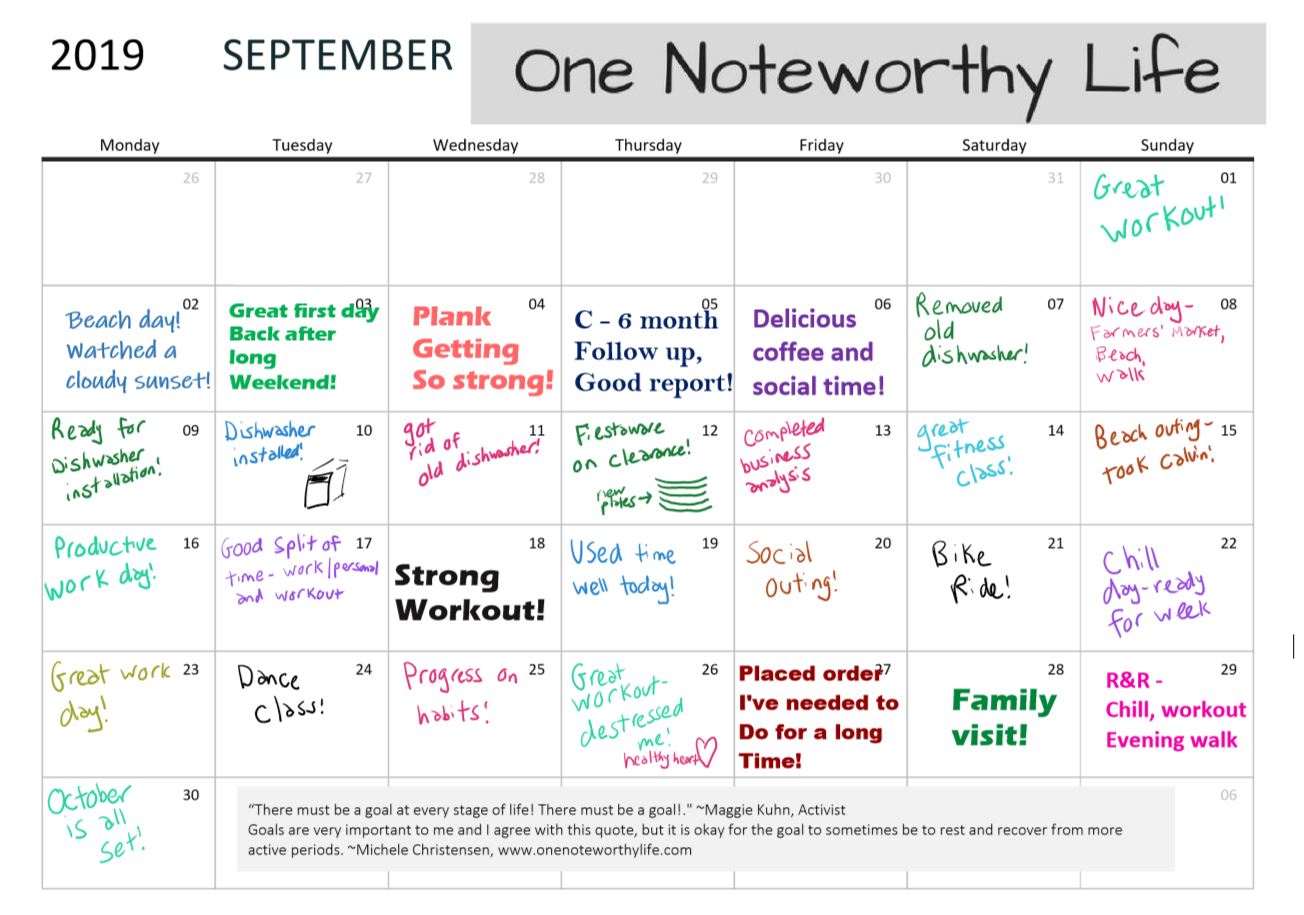
Since I keep my actual appointments in Google Calendar, I like to use my monthly calendar in OneNote to write down something good that happened each day! Here is September all filled in:
Use OneNote to live an accomplished and fulfilled life
Since I keep my actual appointments in Google Calendar, I like to use my monthly calendar in OneNote to write down something good that happened each day! Here is September all filled in:
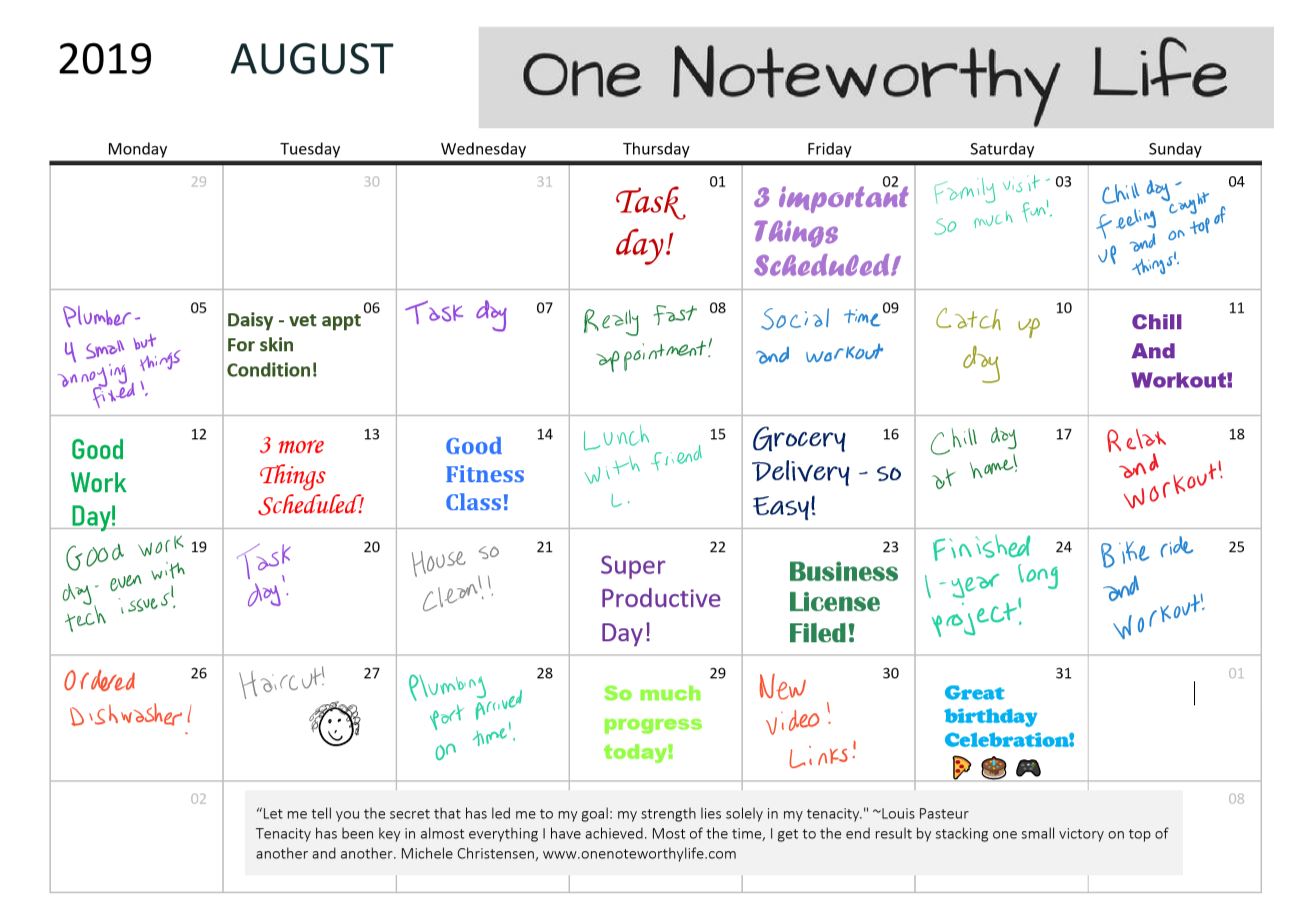
I like to write down something good that happened each day! Here is August, all filled in!
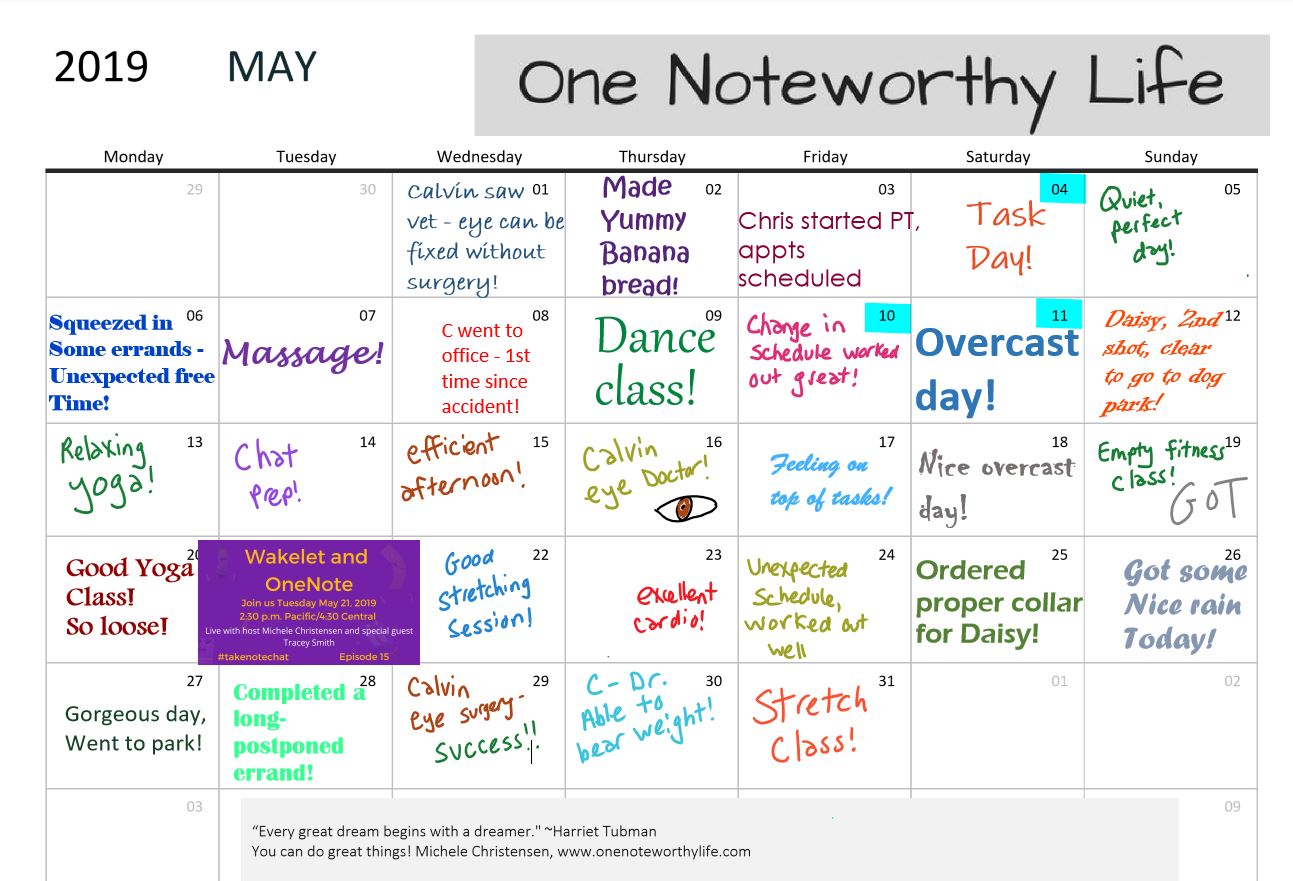
I try to write down something good that happened each day on my monthly calendar. Here is June’s completed calendar!
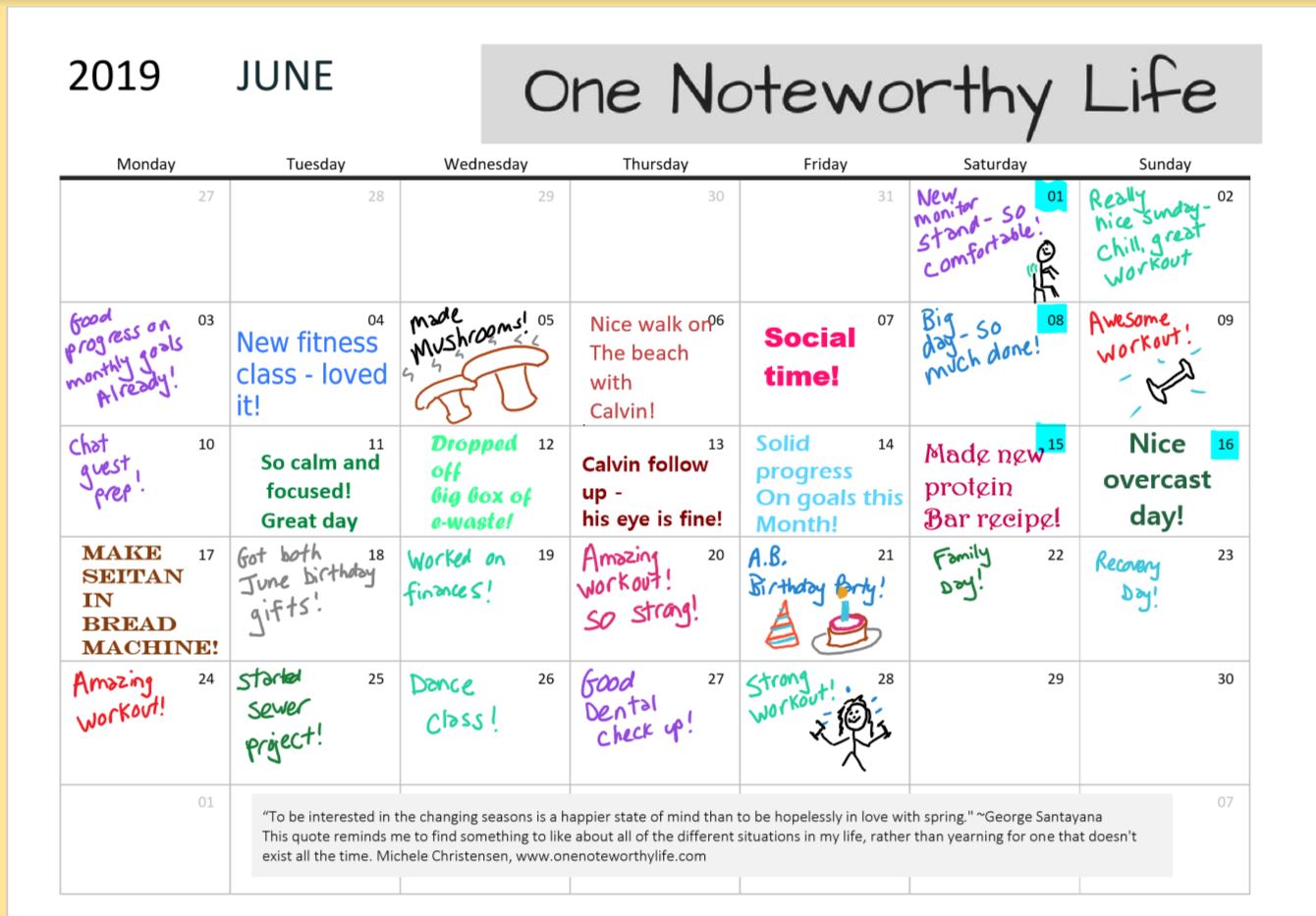
I like to write down something good or interesting that happened each day. Now that May 2019 is a wrap, here is how it looks!
This video shows a screen tutorial on how to insert a pdf printout and file into OneNote for Windows 10. Adding a pdf to OneNote has many uses such as storing a reference document, creating a template to fill in or using a planner page template.
Links mentioned in the video:
My site: http://www.onenoteworthylife.com
OneNote Bullet Journal Facebook group:
https://www.facebook.com/groups/onenotebulletjournal
Take Note Chat:
https://www.youtube.com/playlistlist=PLKKHp6G26GclbbNdtoYKd4ZdRA5G_TSwq
Insert a PDF in OneNote 2016:
https://youtu.be/cXHXYpnafF4
The OneNote Picture Menu:
https://youtu.be/JRRnc40F5xc
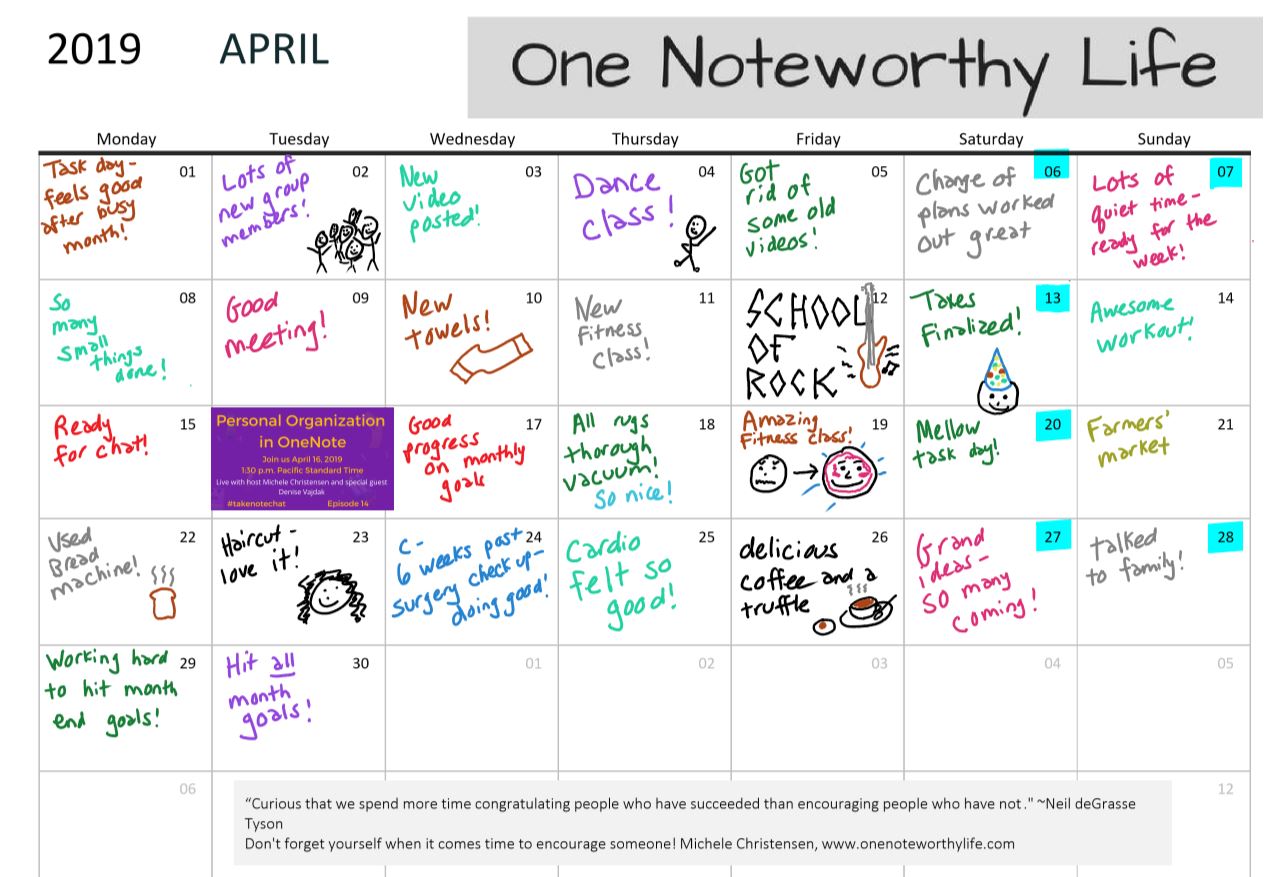
April is done and here is my completed calendar! I like to write down something good interesting that happened every day. This page is a pdf document that I insert into OneNote. To see how to do that, click here.
March was an eventful month! My husband broke his tibia in a skateboard, but even with that and surgery I still found some good things to add to my calendar!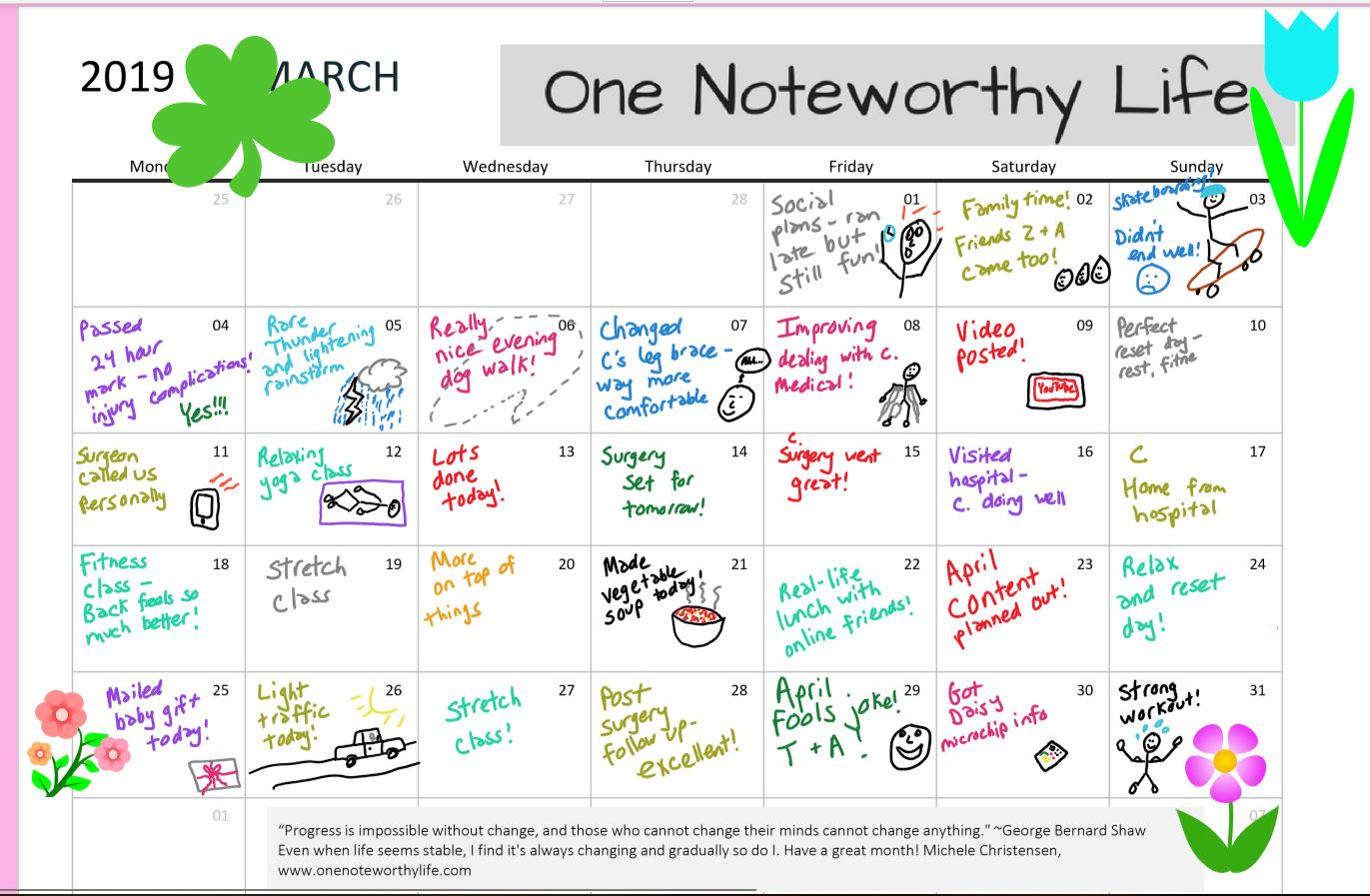
In this video, I show you the 8 options in the picture menu in OneNote. This menu appears once you have inserted a picture into OneNote, and is just one place within OneNote where you can find options for working with images.
Links mentioned in the video:
My site: http://www.onenoteworthylife.com
OneNote Bullet Journal Facebook group:
https://www.facebook.com/groups/onenotebulletjournal/
OneNote does not get enough credit for lending itself to creativity! This is my completed February calendar – I try to write down something good that happened each day!
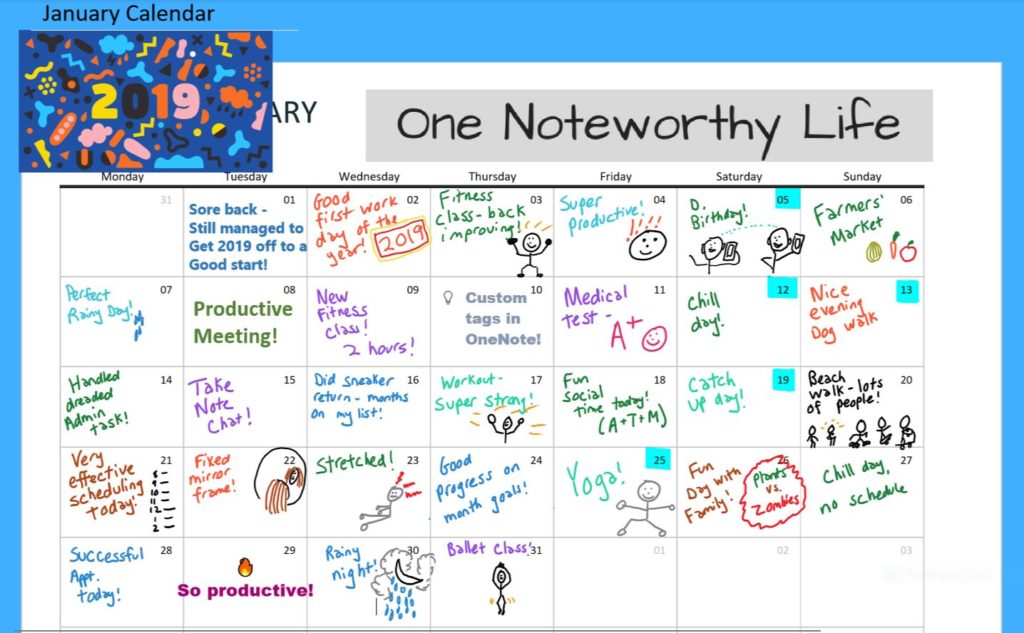
Every day, I like to write something down something that happened that was good, interesting or simply unusual. January flew by!